FILENAMES ARE FEATURED AS CAPTIONS BELOW FILE
[rec] = file recovered with.. — http://www.officerecovery.com/pixrecovery/
all notations BEFORE ‘[rec]‘, are the corruptions i have done to the file.
all notations AFTER ‘[rec]‘, are the file type they have been saved as.
all notations BEFORE the FIRST ‘+’, is the original file name.
Tag: corrupt
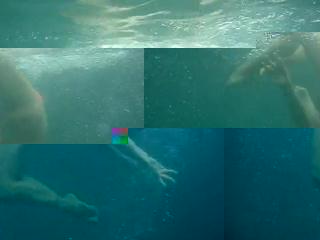
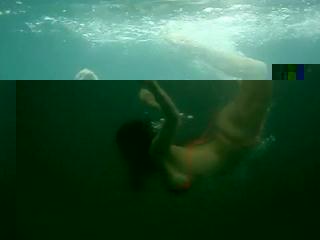
files where there appears to be a severely distorted body i have managed to merge two files (:D).
i inserted the chopped video file into ‘avs media converter’ http://www.avsmedia.com/downloads.aspx , then took screenshots of frames. this seems to create files similar enough to eachother that visual content can be SNUCK in effectively, the above results.
normally the inputting of a different file causes only corruption or a field of grey, black, or static, which i will hereforth call ‘greydeath’.
Software List – DIFFUSE
http://diffuse.sourceforge.net/
This software allows compare, copy, and minor alterations to text-code between 2-3 files.
It’s open source, and has no limitations to the user as far as i’m aware.
Files save as the original filetype regardless of whether there is enough code to support it.
Used it for most of my INTERRUPTS